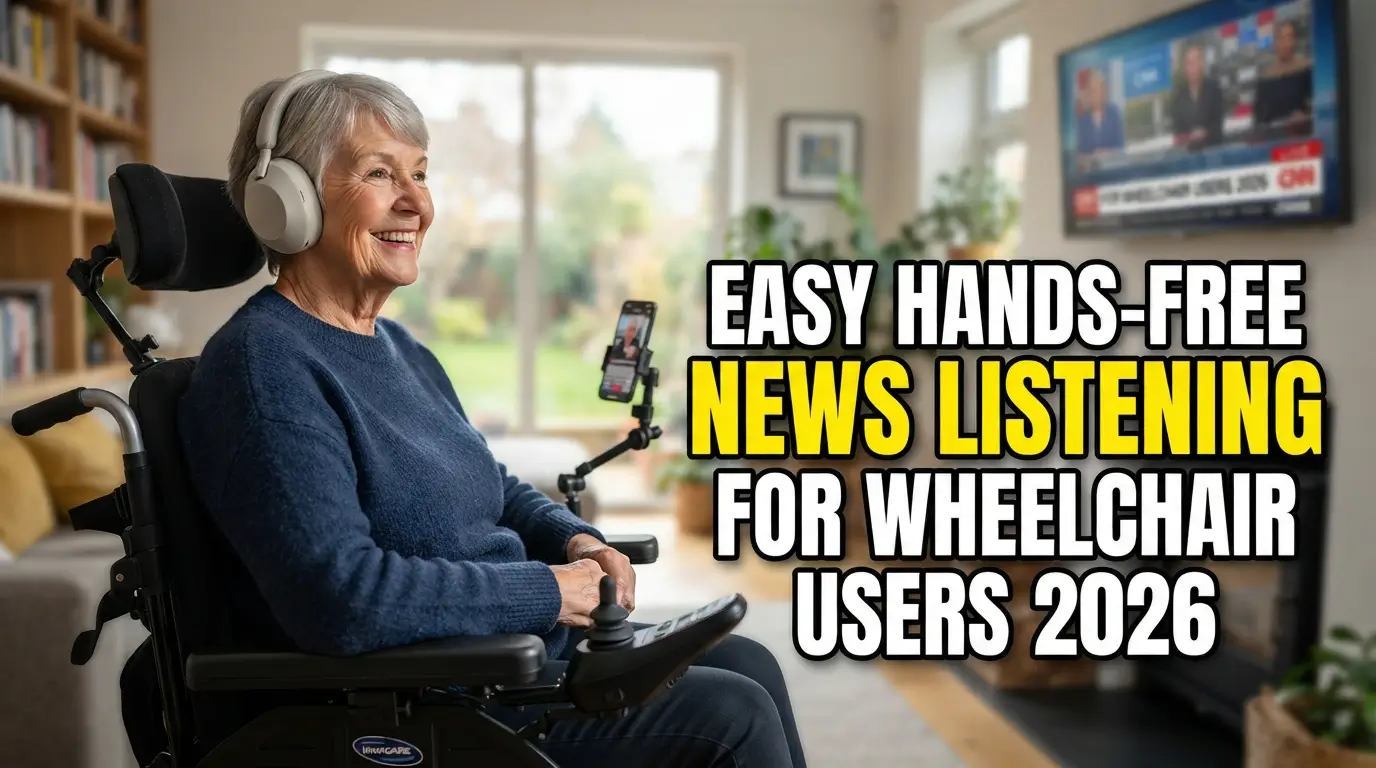
Figuring out easy hands free news listening for wheelchair users shouldn’t feel like a tech headache. Waking up and instantly hearing your favorite daily podcasts without fighting with a tiny smartphone screen is a huge relief. You just want to drink your coffee and catch up on world events. Setting up voice commands to handle your morning briefing actually gives you your independence back immediately.
1. Alexa Flash Briefings for Easy Hands Free News Listening for Wheelchair Users
Amazon built a fantastic feature that reads customized daily updates straight from reliable sources. This setup is the perfect foundation for easy hands free news listening for wheelchair users because it requires zero physical interaction after configuration. You just say your wake word and ask for the briefing.
Then the device strings together audio clips from Reuters, CNN, or the BBC without gaps. I highly recommend picking just three sources to keep the morning summary tight and focused. Customizing the order through the mobile app ensures you hear important headlines before leaving your bed.
2. Google Assistant Morning Routines
Telling your smart speaker to run a morning routine triggers a sequence of actions tailored to your preferences. Google reads the weather, checks your calendar, and then starts playing the latest audio broadcasts from your favorite outlets. The seamless transition from tasks to media playback makes waking up much more enjoyable.
You can program this sequence directly from your smartphone once and never touch it again. The audio quality on newer Nest speakers is incredibly clear for spoken word programs. It removes the friction of opening multiple browser tabs when your hands are busy getting ready.

3. Apple HomePod Daily Updates
Siri occasionally gets a bad reputation, but it handles daily podcast playback brilliantly when paired with a HomePod. You simply ask Siri to play the latest headlines, and it defaults to a pre-selected source like NPR. Apple automatically updates these short audio bursts throughout the day to keep the information current.
The microphones on the HomePod are highly sensitive and easily pick up a normal speaking voice from across the room. This makes it a highly reliable option when mobility limitations prevent you from getting close to the device. You never have to shout to skip a boring story.
4. NPR One Smart Speaker Integration
Public radio fans will love how smoothly the NPR One platform connects directly to smart home ecosystems. It curates a personalized stream of local and national stories based on your listening history and location. You can easily skip stories by saying a quick voice command to jump to the next segment.
Linking your account to your speaker gives you a localized experience without searching for specific regional stations manually. The algorithm actually gets smarter the more you use verbal commands to skip or finish segments. This intelligent curation saves a lot of time compared to hunting for relevant clips.
5. TuneIn Radio Voice Features
Streaming live broadcasts from local stations works perfectly through the TuneIn platform using vocal cues. It is a fantastic method for easy hands free news listening for wheelchair users because you just tell your device to play a specific station. This provides direct access to live events.
Most popular smart speakers support this service natively right out of the box. Setting your favorite local station as a preset ensures you hear familiar voices covering your specific community updates. The live streaming aspect keeps you deeply connected to what is happening in your city.
6. Spotify Podcast Voice Controls
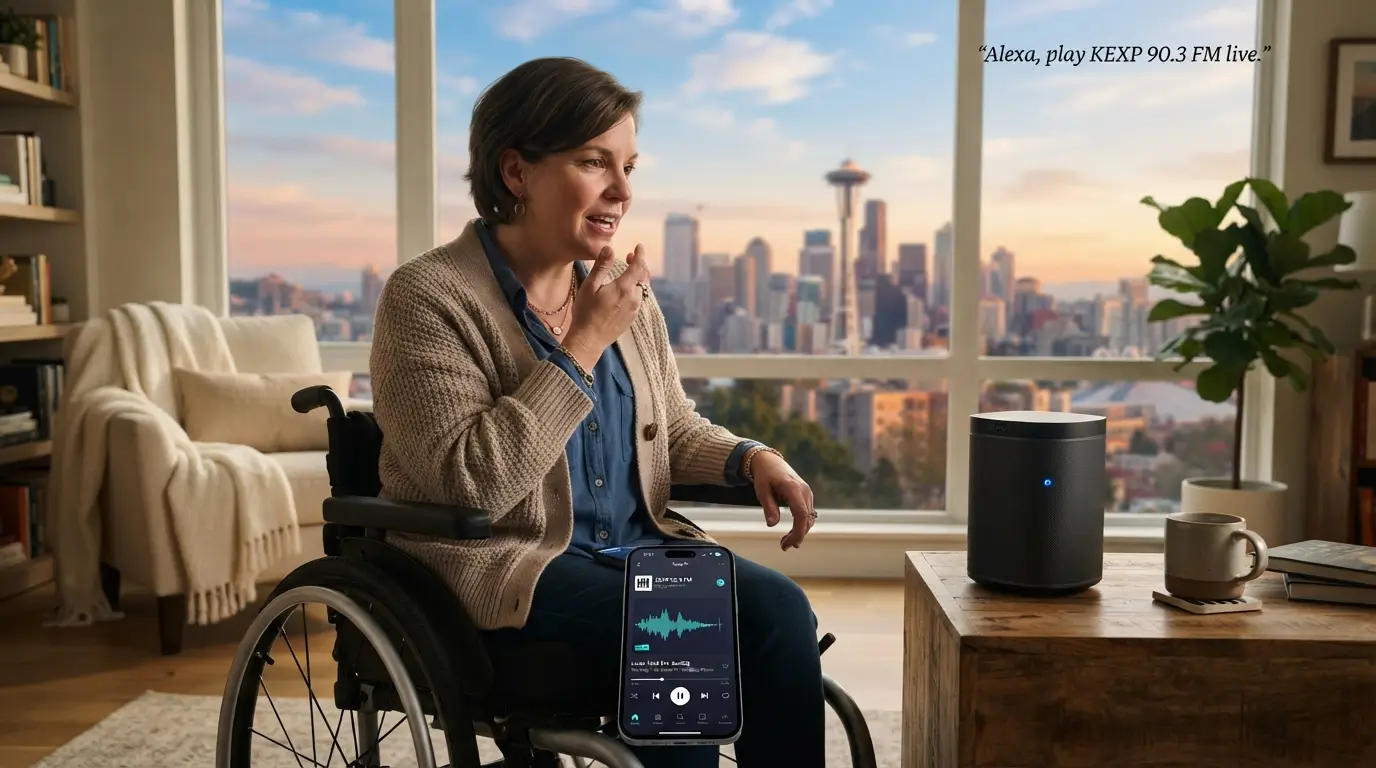
Most people think of Spotify exclusively for music, but its voice-activated podcast features are incredibly robust. You can ask your smart speaker to play specific daily shows directly from the platform. The app picks up exactly where you left off on another device automatically.
Controlling playback speed with your voice helps you consume long investigative journalism pieces much faster. The seamless synchronization between your phone, computer, and smart speakers ensures you never lose your place. Having one platform handle both music and current events simplifies your entire digital audio setup significantly.
7. Pocket Casts Siri Shortcuts
Power users who love customized podcast management should absolutely look into configuring shortcuts for the Pocket Casts app. You can program custom triggers to play specific playlists or clear your queue instantly. This level of granular control is fantastic for organizing separate tech, politics, and entertainment feeds.
Also Read: Foolproof Evening News Habits For Insomnia Sufferers 2026
Creating a morning shortcut lets you trigger a specific playlist just by saying a short phrase aloud. The app automatically skips silences and boosts voices, making listening over a noisy room fan much easier. It takes a little setup time, but the resulting convenience is entirely worth it.
8. Voice Access on Android Devices
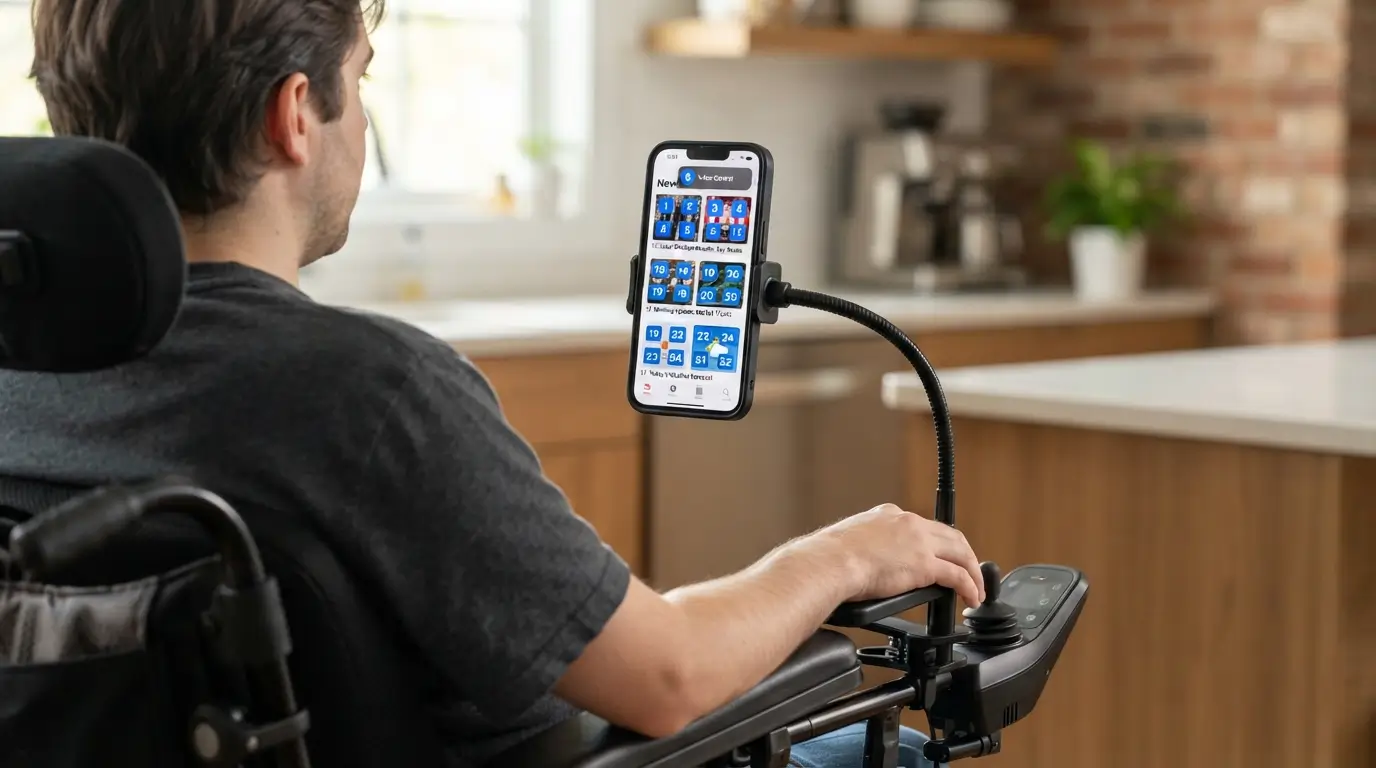
Operating your mobile phone through spoken commands turns any standard application into a completely accessible tool. Android offers an incredible built-in feature that overlays numbers on every clickable item, making easy hands free news listening for wheelchair users highly practical. You speak the number to click it.
This brilliant accessibility feature means you are never restricted to apps that explicitly support smart speakers. You can read niche websites, open smaller local apps, and hit play on embedded audio clips without touching the glass. It completely opens up the mobile web for independent browsing.
9. iOS Voice Control Setup
Apple provides an incredibly powerful system for controlling iPhones and iPads completely hands-free through its accessibility menu. Much like its Android counterpart, this system lets you scroll through feeds, select articles, and tap play using only your voice. It works perfectly with popular aggregators like Apple News or Flipboard.
The dictation features also let you search for specific topics without typing on the small digital keyboard. The system responsiveness is fast enough that browsing feels natural rather than a frustrating waiting game. This completely removes the physical barrier of swiping through long pages of dense text.
10. Smart Glasses Audio Streaming
Wearing frames equipped with open-ear audio speakers delivers your morning briefings directly to your ears without blocking out surrounding noise. Products like the Ray-Ban Meta glasses connect to your phone and let you trigger playback with simple voice requests. The audio quality is surprisingly rich for spoken word content.
Having speakers right on your face means you can move between rooms without missing a single sentence. You also maintain full awareness of your environment, which is crucial for safety and communication. It offers a much more private listening experience compared to blasting a speaker across the kitchen.
11. Bluetooth Neckband Speakers
Resting a lightweight speaker comfortably around your shoulders provides an immersive audio bubble that travels everywhere. These devices connect directly to your mobile phone and feature dedicated voice assistant buttons for easy activation. The physical design ensures nothing is shoved into your ear canal for hours at a time.
You can ask your phone to fetch the latest headlines while rolling down the street without wearing bulky headphones. The directional audio points upward toward your ears, so people nearby barely hear the broadcast. It creates the perfect middle ground between a stationary room speaker and isolating earbuds.
12. Bixby Morning Routines on Samsung
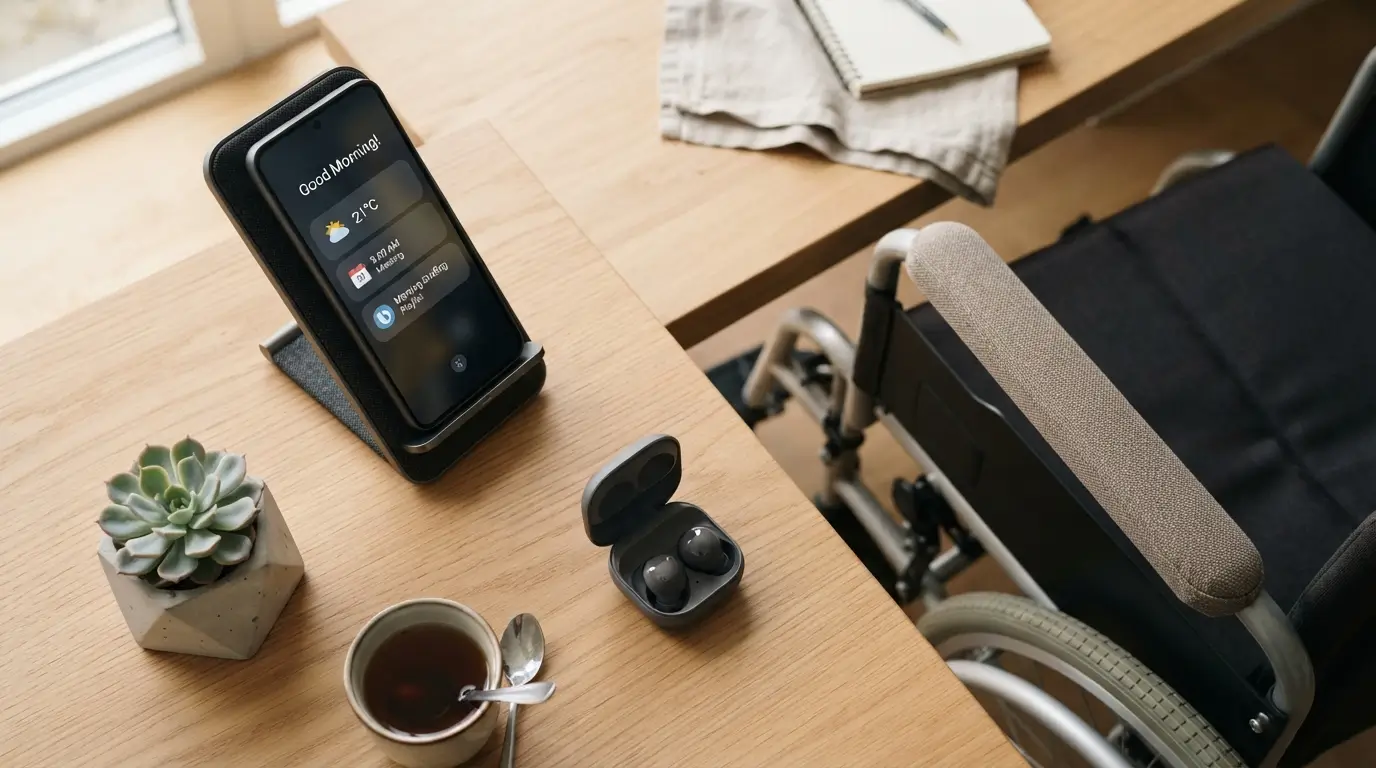
Samsung users often overlook their native assistant, but Bixby handles morning audio automation exceptionally well right out of the box. Establishing easy hands free news listening for wheelchair users only requires setting up a quick routine. You can configure a wake-up routine that reads your schedule and plays a briefing.
You do not even need an external speaker if your phone rests on a nearby charging stand. The assistant pulls down fresh audio clips from partner networks and strings them together smoothly. It is a highly effective way to utilize the hardware you probably already own.
13. Screen Reader Integration with News Sites
Having your device read text-based articles aloud is a fantastic alternative when your favorite site lacks an audio version. Both major mobile operating systems feature built-in screen readers that turn dense text into spoken word instantly. You just activate the feature and let the synthetic voice handle the heavy lifting.
Modern text-to-speech voices sound much more natural and human than the robotic tones from a decade ago. You can adjust the speaking rate to blaze through long articles in half the time it would take to read them. This ensures you never miss out on exclusive written journalism.
14. Alexa Routines for Automated Playback
Building custom routines in the Alexa app lets you schedule your favorite broadcasts to play at a specific time daily. You never have to speak a command if you set the routine to trigger automatically at eight in the morning. This removes all friction from daily information gathering.
Setting up easy hands free news listening for wheelchair users through scheduled routines ensures you check the headlines effortlessly. The speaker just chimes and starts delivering the latest updates while you eat breakfast. You can always tell it to pause or stop if you need a quiet moment.
FAQs
What is the best smart speaker for easy hands free news listening for wheelchair users?
Amazon Echo devices generally offer the most seamless experience for audio briefings. Their microphones pick up vocal requests clearly from across the room. The setup process is straightforward, and the app allows you to easily customize which media outlets play during your daily summary.
Can I skip stories using only voice commands?
Yes, almost every smart device and digital assistant allows you to skip tracks verbally. You just need to say your wake word followed by “skip” or “next.” This lets you bypass boring stories without ever needing to physically touch your phone or speaker buttons.
Do I need a paid subscription to hear daily updates?
The vast majority of daily briefings and public radio broadcasts are completely free. Platforms like Spotify and Apple Podcasts offer thousands of daily current event shows at no cost. You only need to pay if you want premium, ad-free versions of specific niche journalism networks.
How do I stop a broadcast if I need to take a phone call?
You can immediately halt any playback by saying a simple stop command to your digital assistant. Devices respond instantly to commands like “pause” or “stop audio.” This makes it incredibly simple to quiet your environment the second your phone starts ringing or someone knocks.
Can my screen reader read articles in different languages?
Modern mobile accessibility features support dozens of different languages and regional accents. You can easily switch the default voice within your accessibility settings menu. The text-to-speech engine automatically adapts to the language of the article, providing accurate pronunciation for international stories and foreign websites.
Conclusion
Building a smooth audio setup completely changes how you interact with daily information. Taking a few minutes to configure your voice commands ensures you stay informed without dealing with clunky touch screens. What audio show are you planning to add to your morning routine first?